Enlarge a picture
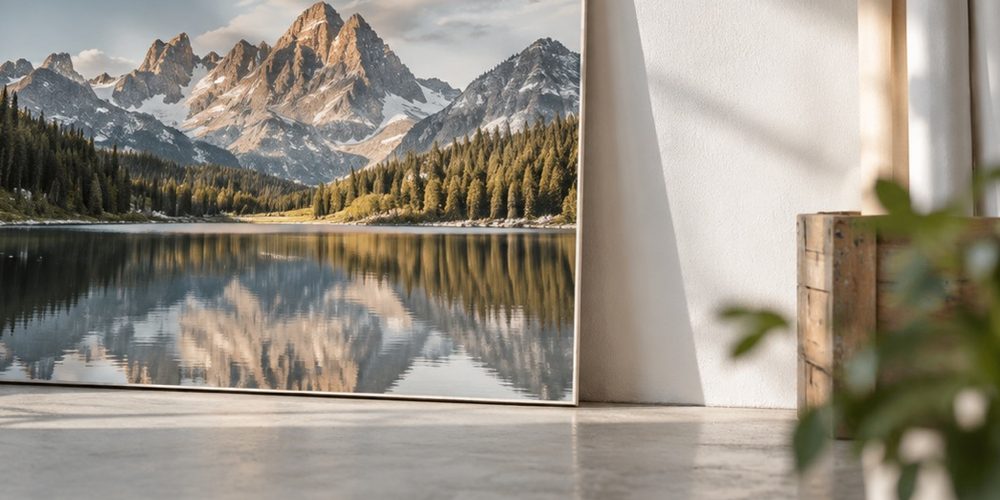
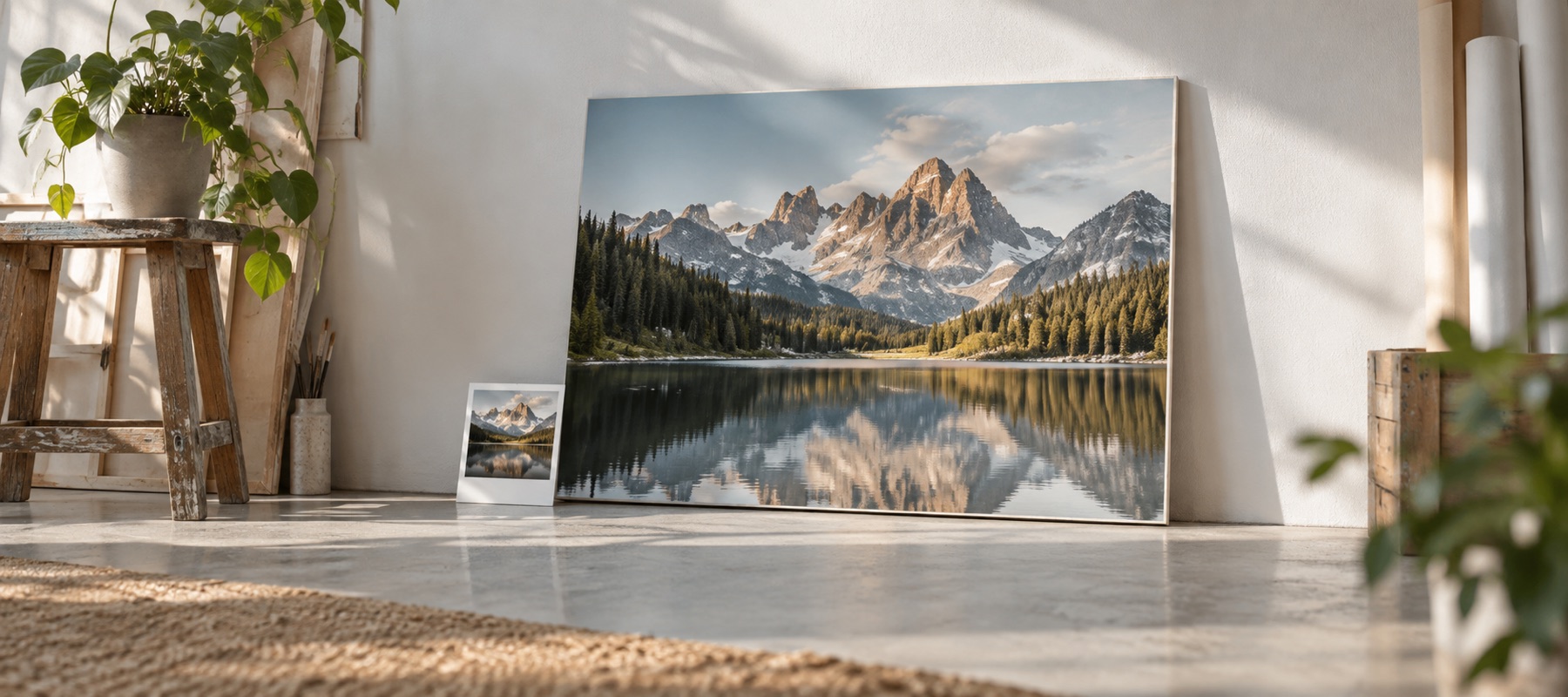
Photographic visual for Dpi Is A Label

Dpi Is A Label

DPI is a label

The DPI in a picture file is a number in its header that says how many pixels to lay along an inch. Change it and the picture is exactly the same picture with a different label.

Where the number lives

A JPEG keeps it in its JFIF header (and often again in its Exif block); a PNG keeps it in a small chunk called pHYs, in pixels per metre. WebP has no standard place for it at all. The pixels are stored separately, and nothing about them depends on the label.

Print size = pixels ÷ pixels per inch. A density tag changes the second number on paper; it changes nothing in the picture.

The same pixels, three labels

1800 × 1200 pixels
TagLabelled sizeDetail
72 dpi25 × 16.7 inidentical
150 dpi12 × 8 inidentical
300 dpi6 × 4 inidentical

What a print lab does with it

A lab printing 6 × 4 in fits whatever it receives to the paper. Send 1800 × 1200 tagged 72 dpi and it prints exactly as sharp as the same pixels tagged 300. The tag matters to software that lays out pages — a word processor, a print dialog — and to forms that check it.

What actually lets you print bigger

More pixels. 12 × 8 in at 300 ppi needs 3600 × 2400. Enlarging gets you those pixels; it spreads the detail you have rather than adding detail, which is why the honest question is always how far the result will be seen from.

Changing the label without touching the picture

The increase-DPI page on this site rewrites only the density fields in a JPEG or PNG header and copies every other byte through. After the save it decodes both files and shows the SHA-256 of their pixels side by side: the same hash, because they are the same pixels.

Phrases to distrust: “increase DPI to improve quality”, and “300 DPI quality” for a file whose pixels do not reach the paper at 300.

Back to the picture